 01/01/2026
UI/UX Design in Modern Websites: Creating Digital Experiences That Feel Natural
In today’s digital world, a website is often the first interaction between a business and its users. Visitors decide within seconds whether a website feels easy, confusing, or trustworthy. If users struggle to find information or complete simple actions, they leave — regardless of how good the product or service is.
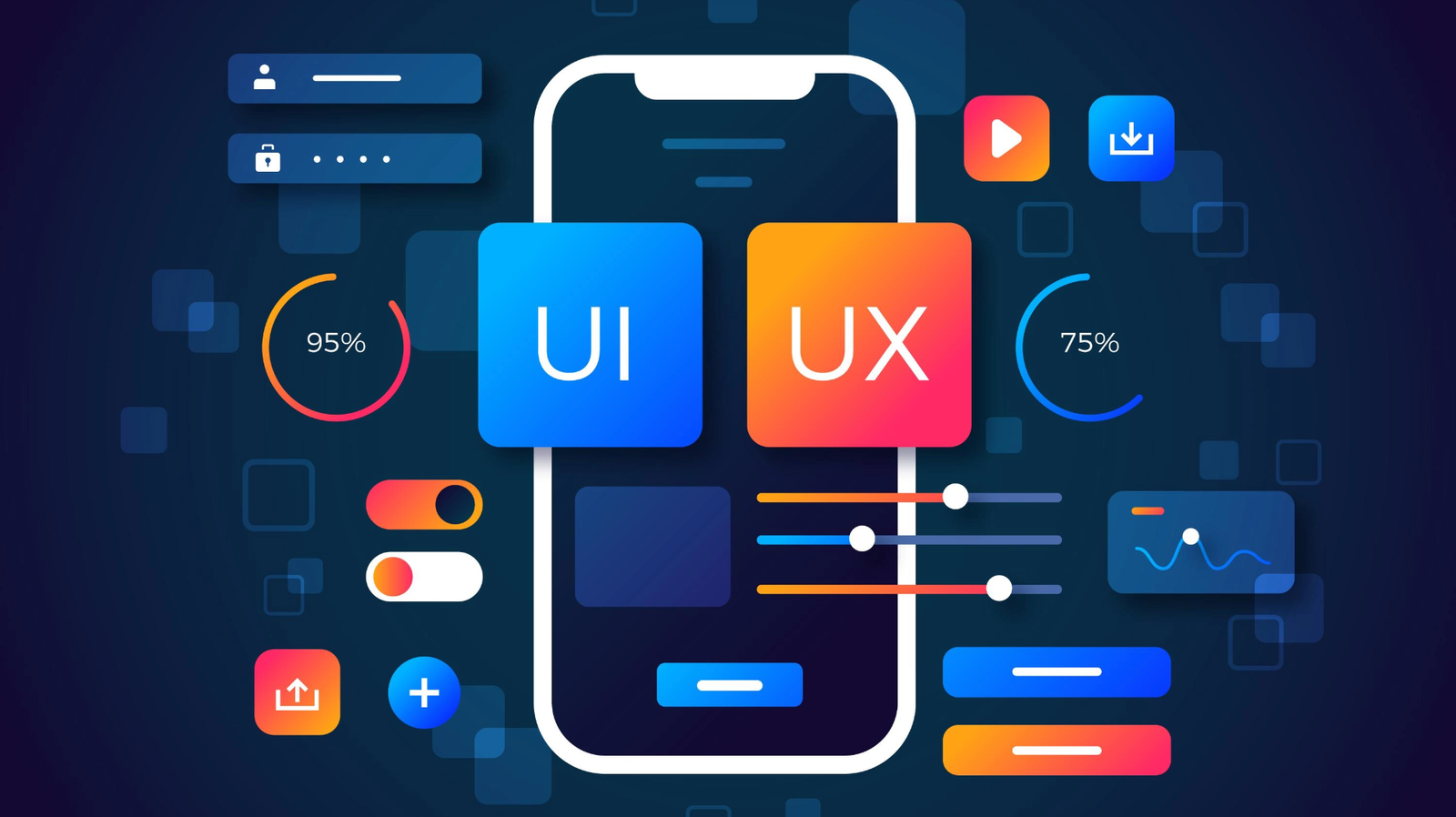
UI (User Interface) and UX (User Experience) focus on designing websites that feel simple, intuitive, and comfortable to use. A user-friendly website reduces effort, guides users naturally, and creates a smooth journey from the first click to the final action.
 by Skylink Infosolutions™
Why UI/UX Is a Strategic Investment for Modern Websites
A good-looking website can grab attention, but attention alone doesn’t drive results. When users feel lost, hesitate at every step, or struggle to understand what comes next, even the best products fail to convert. This is where UI/UX quietly changes everything.
By studying how real users think, move, and decide, UI/UX design turns complex journeys into simple ones. Wireframes set direction, design systems bring consistency, and data-backed decisions remove guesswork. The result is an experience that feels effortless to use, easier to trust, and far more effective for long-term business growth.
How UI/UX Improves Website Performance
Smart UI/UX design directly impacts speed, usability, engagement, and overall website success.
🧭 Clear Navigation
Users quickly find pages, services, and information without confusion, reducing bounce rates.
⚡ Fast Interaction
Optimized layouts and smooth flows improve perceived speed and user satisfaction.
📱 Responsive Design
Ensures consistent experience across mobile, tablet, and desktop devices.
🎯 Better Conversions
Well-designed user journeys guide visitors toward actions like signups, inquiries, and purchases.
🤝 Trust & Credibility
Clean and professional design builds user confidence and strengthens brand trust.
UI/UX Designer vs Web Designer: What’s the Real Difference?
UI/UX Designer and Web Designer roles are often confused, but they focus on different aspects of a website. Understanding this difference helps businesses choose the right approach.
| Aspect | UI/UX Designer | Web Designer |
|---|---|---|
| Main Focus | User experience, usability, and interaction flow | Website layout and visual appearance |
| Goal | Make the website easy, intuitive, and enjoyable to use | Make the website look attractive and professional |
| Work Area | User journey, navigation, wireframes, usability testing | Page layouts, colors, fonts, and visual design |
| User Involvement | Deep focus on user behavior and pain points | Limited focus on user behavior |
| Tools Used | Figma, wireframes, prototypes, user testing | HTML, CSS, design tools, visual assets |
| Business Impact | Improves engagement, conversions, and retention | Improves visual appeal and branding |
| In Simple Words | How the website works for users | How the website looks |
Essential UI/UX Features & Tools
🧭 User Flow Mapping
Helps designers plan how users move from one page to another, ensuring smooth navigation and fewer drop-offs.
🧩 Wireframing Tools
Low-fidelity layouts that define structure and content before visual design begins.
🖌️ Figma & Collaborative UI Design
Figma enables real-time collaboration, rapid prototyping, and seamless handoff between designers and developers.
🧪 Usability Testing
Real users test the interface to identify friction, confusion, and improvement areas.
📊 UX Analytics & Behavior Tracking
Heatmaps, click tracking, and session recordings reveal how users actually interact with a website.
🎨 UI Design Systems
Reusable components, colors, and typography ensure visual consistency across the website.
Final Thoughts
A website works best when users don’t have to think. Smooth flow, clear structure, and thoughtful UI/UX decisions make every interaction feel effortless and natural.
When design removes confusion instead of adding complexity, users move with confidence, trust the experience, and stay focused on what truly matters — their goals. Good UI/UX doesn’t demand attention; it quietly supports users at every step.