 06/08/2025
ChatGPT Integration in Web Applications: Unlocking AI-Powered Experiences
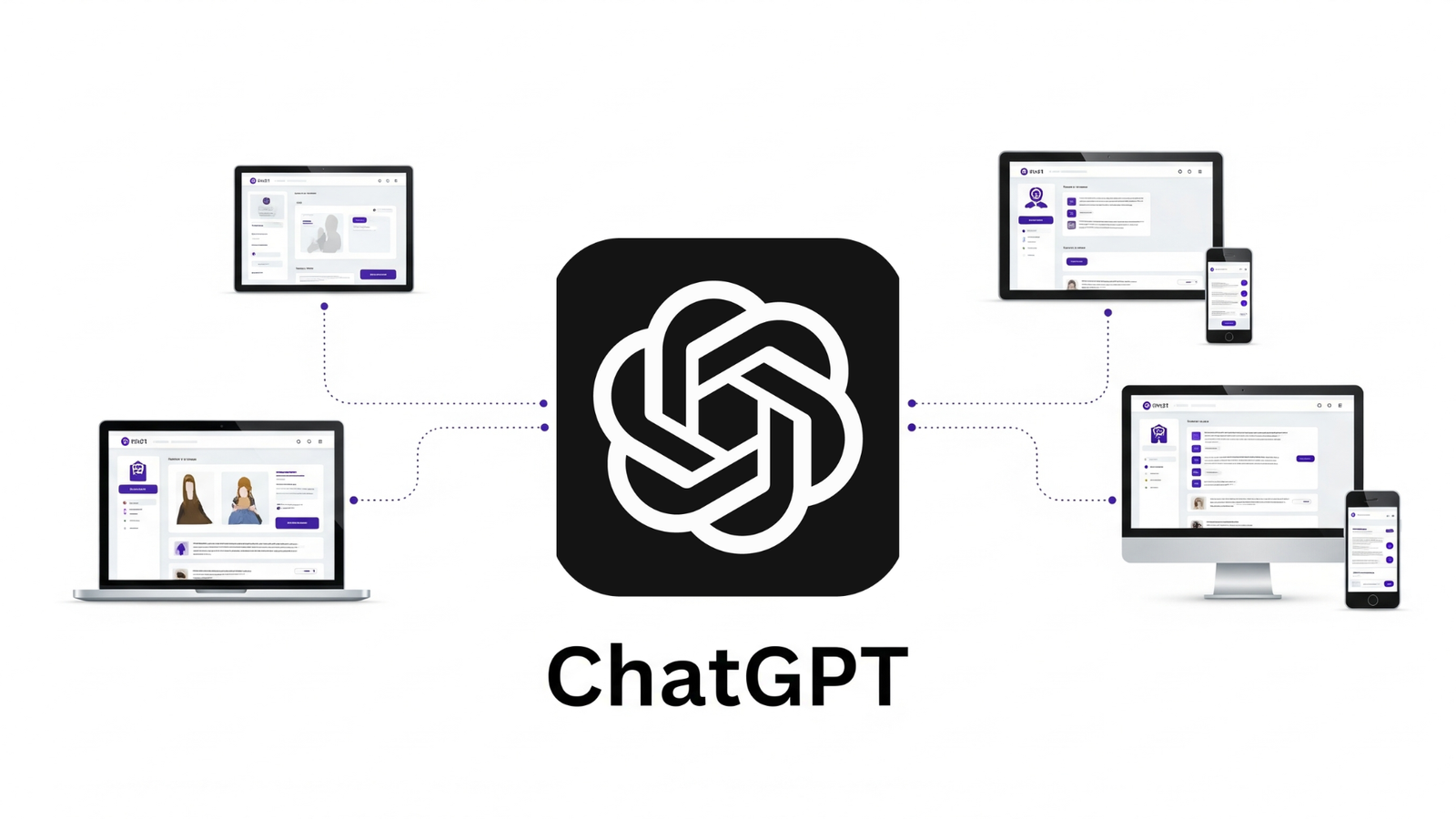
ChatGPT, built on OpenAI’s GPT models, brings conversational AI to web apps, enhancing user engagement, automating workflows, and generating content dynamically. Whether for chatbots, content creation, or intelligent assistants, integrating ChatGPT allows businesses to deliver smarter, more interactive experiences.
 by Skylink Infosolutions™
Why Choose ChatGPT?
ChatGPT delivers advanced natural language capabilities through a simple API. It understands context, generates coherent responses, and adapts to different domains — perfect for modern web apps requiring AI-driven conversations.
.png)
- Natural Conversations – human-like responses with contextual understanding.
- Easy Integration – simple REST API, SDKs, and libraries.
- Customizable – system prompts, temperature settings, role-based instructions.
- Scalable – from small apps to enterprise-level workloads.
- Multi-Language Support – interact in dozens of languages.
When ChatGPT Shines
- AI-powered chatbots for customer support
- Dynamic content generation (blogs, emails, product descriptions)
- Automated FAQs and helpdesk responses
- Coding assistance, tutoring, and domain-specific Q&A
When to Reconsider
For rule-based or fully offline systems, or when handling sensitive personal data, a local AI solution might be more appropriate.
How ChatGPT Works
ChatGPT operates via OpenAI’s GPT API. Developers send conversation history and prompts, and the model returns context-aware responses. Parameters like temperature and system prompts help control output style and tone.
# Example: API call using cURL
            curl https://api.openai.com/v1/chat/completions \
            -H "Content-Type: application/json" \
            -H "Authorization: Bearer YOUR_API_KEY" \
            -d '{
              "model": "gpt-4",
              "messages": [
                {"role": "system", "content": "You are a helpful assistant"},
                {"role": "user", "content": "Write a short welcome message for a travel website"}
              ]
            }'
// Example: Using Fetch API in JavaScript
async function getChatGPTResponse(userMessage) {
const res = await fetch("https://api.openai.com/v1/chat/completions", {
method: "POST",
headers: {
"Content-Type": "application/json",
"Authorization": "Bearer YOUR_API_KEY"
},
body: JSON.stringify({
model: "gpt-4",
messages: [
{ role: "system", content: "You are a helpful assistant" },
{ role: "user", content: userMessage }
]
})
});
const data = await res.json();
return data.choices[0].message.content;
}Typical Integration Structure
src
            ├─ api/
            │   └─ chatgptService.js   (API call logic)
            ├─ components/
            │   └─ ChatUI.js           (frontend chat interface)
            ├─ styles/
            │   └─ chat.css
            └─ server/
                └─ routes/chat.js      (backend endpoint proxying requests to OpenAI)
Key Features You’ll Use Often
System Prompts
Control tone, style, and AI behavior with custom instructions.
Temperature
Adjust creativity versus precision to match your use case.
Streaming Responses
Real-time text updates for smooth, interactive user interfaces.
Role-based Messages
Differentiate between system, user, and assistant roles easily.
Function Calling
Trigger backend logic dynamically from AI responses.
Pros & Cons of ChatGPT Integration
Pros
Cons
Real-World Use Cases
Automated helpdesk responses instantly.
Personalized product recommendations for users.
Tutoring systems and language learning assistants.
Symptom checkers and patient guidance.
Common Pitfalls & How to Avoid Them
- Prompt Injection – validate and sanitize all inputs
- Overusing Tokens – keep prompts concise to manage costs
- Exposing Secrets – store API keys securely
- Unrealistic Expectations – communicate AI limitations clearly
FAQ
Is ChatGPT free to use?
No. While limited free trials exist, the API is usage-based.
Can ChatGPT work offline?
No. OpenAI’s API requires internet access.
How to keep responses consistent?
Use system prompts and lower temperature for more deterministic
outputs.
Can I integrate ChatGPT with my existing chatbot?
Yes, by routing queries through the API you can enhance current
bots.